AI Labs · Applications
Case Management
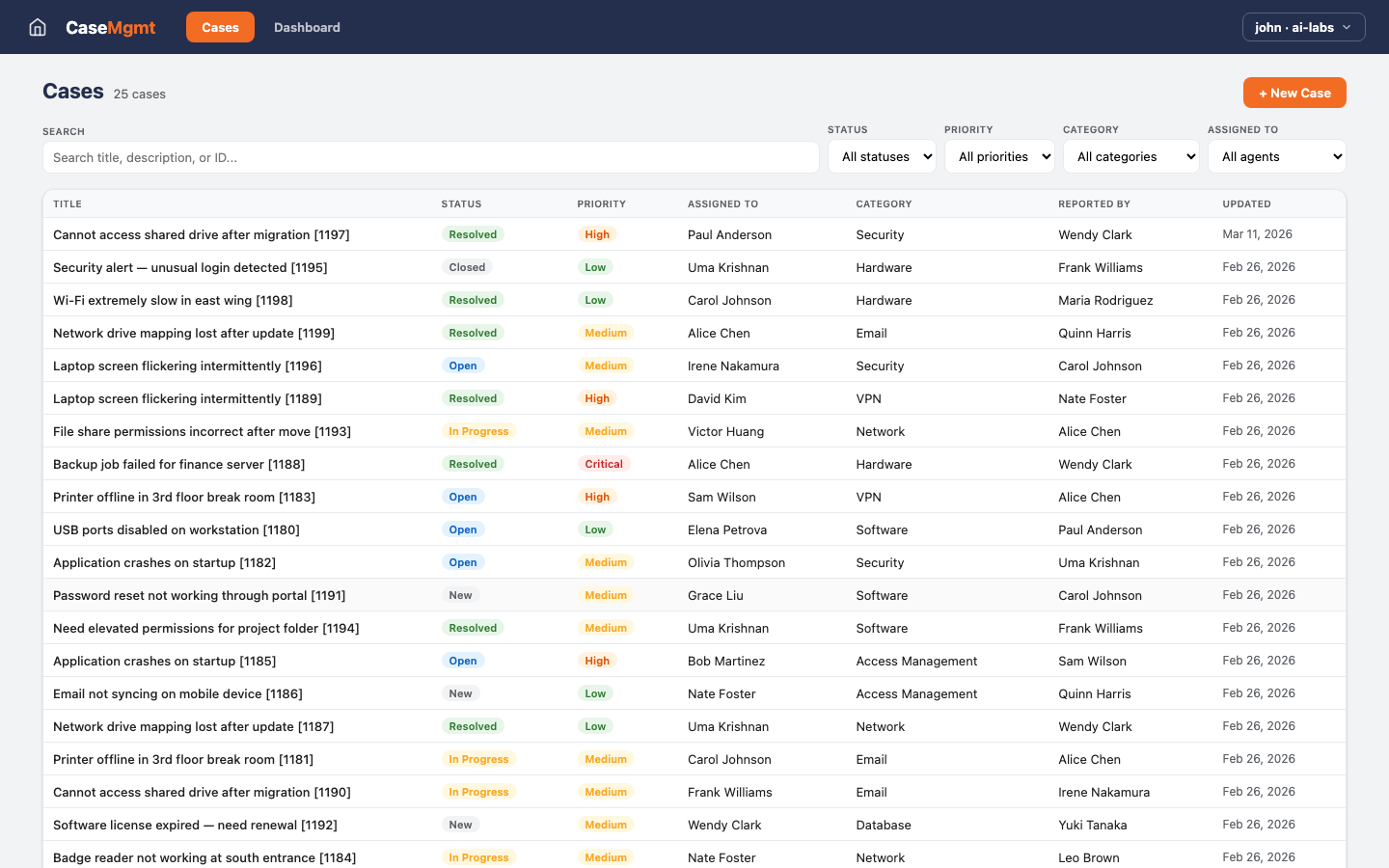
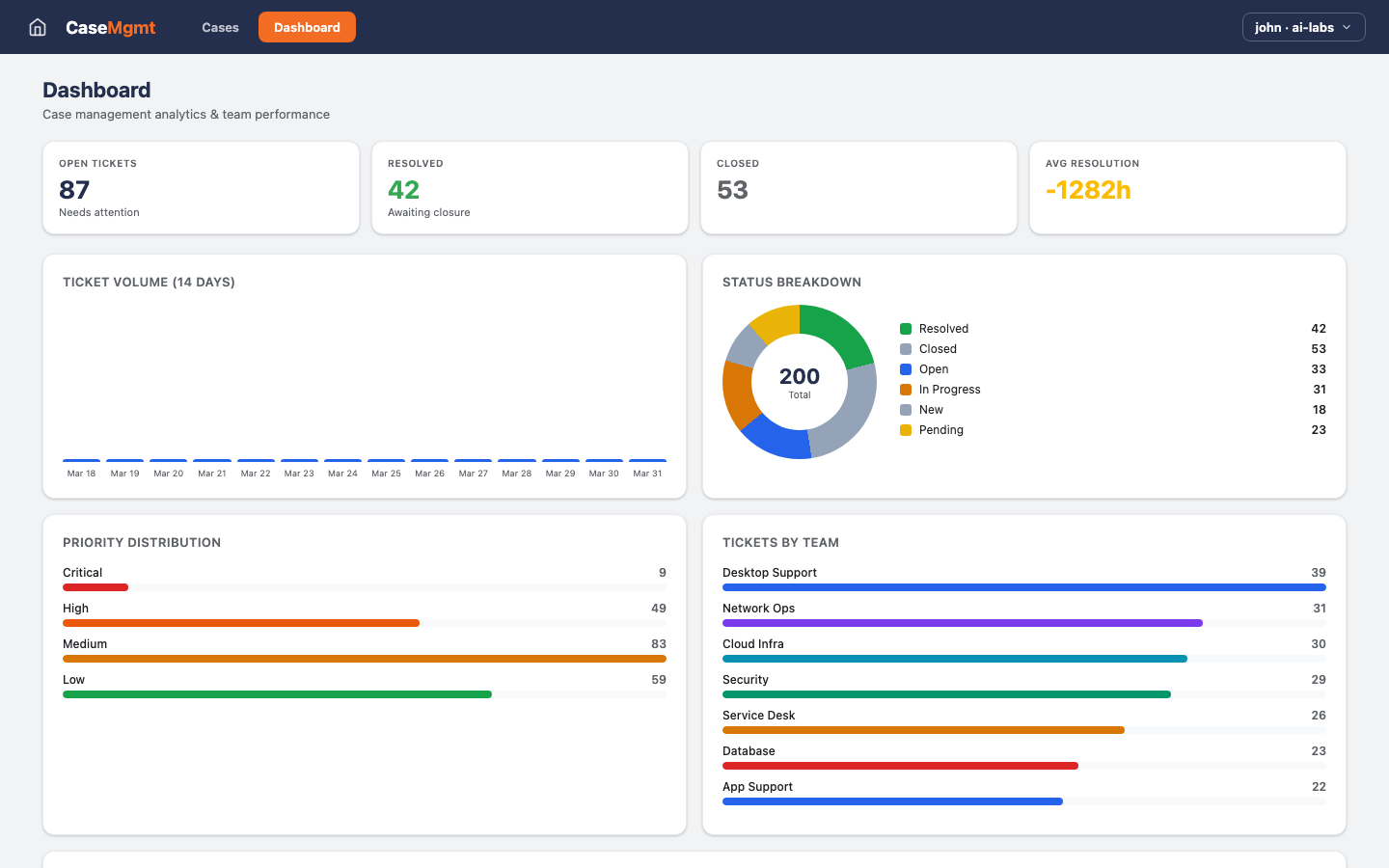
Cases come in, get a category and a priority, and are routed to an agent. Statuses are configurable. A dashboard shows volume trends, the backlog by status and priority, and how much work each person on the team is carrying right now.
Inside Case Management Cases · Dashboard
- Who would use Case Management
- Any team that takes in cases and must close them: HR, legal intake, customer escalations.
- What Case Management usually replaces
- Email threads with a case number typed in the subject line.
What Case Management does
Ticket tracking & case resolution.
- Smart Filtering
- Filter cases by status, priority, category, and agent with instant search across all fields.
- Agent Assignment
- Assign cases to agents with workload balancing and reassignment capabilities.
- Analytics Dashboard
- Real-time metrics: ticket volume trends, status breakdown, priority distribution, and team performance.
- Case Notes
- Structured documentation linked to each case for complete resolution history.
2 more screens from Case Management
More applications examples
-
Innovation Intake
3 screens
-
AgentHub
5 screens
-
AtlasLake
5 screens
Walk through Case Management, then plan your own
Case Management is an example with sample data, not a product we sell. In a free two-hour working session we open it, compare it with how your team does this work today, and give you a written plan for building your version on Kinetic.