Build with AI
Build AI applications on top of your ERP, HRIS and CRM
You describe the application to an MCP-capable assistant such as Claude. Through Kinetic's MCP server, it builds the forms, portal and workflow inside Kinetic, and your team reviews each piece before anyone outside sees it. The finished application reads from and writes to your ERP, HRIS and CRM, with no data migration.
USDA Proof of concept built and demonstrated in 4 days without replacing a system, against more than a year to get started with the previous solution. Read the USDA case study
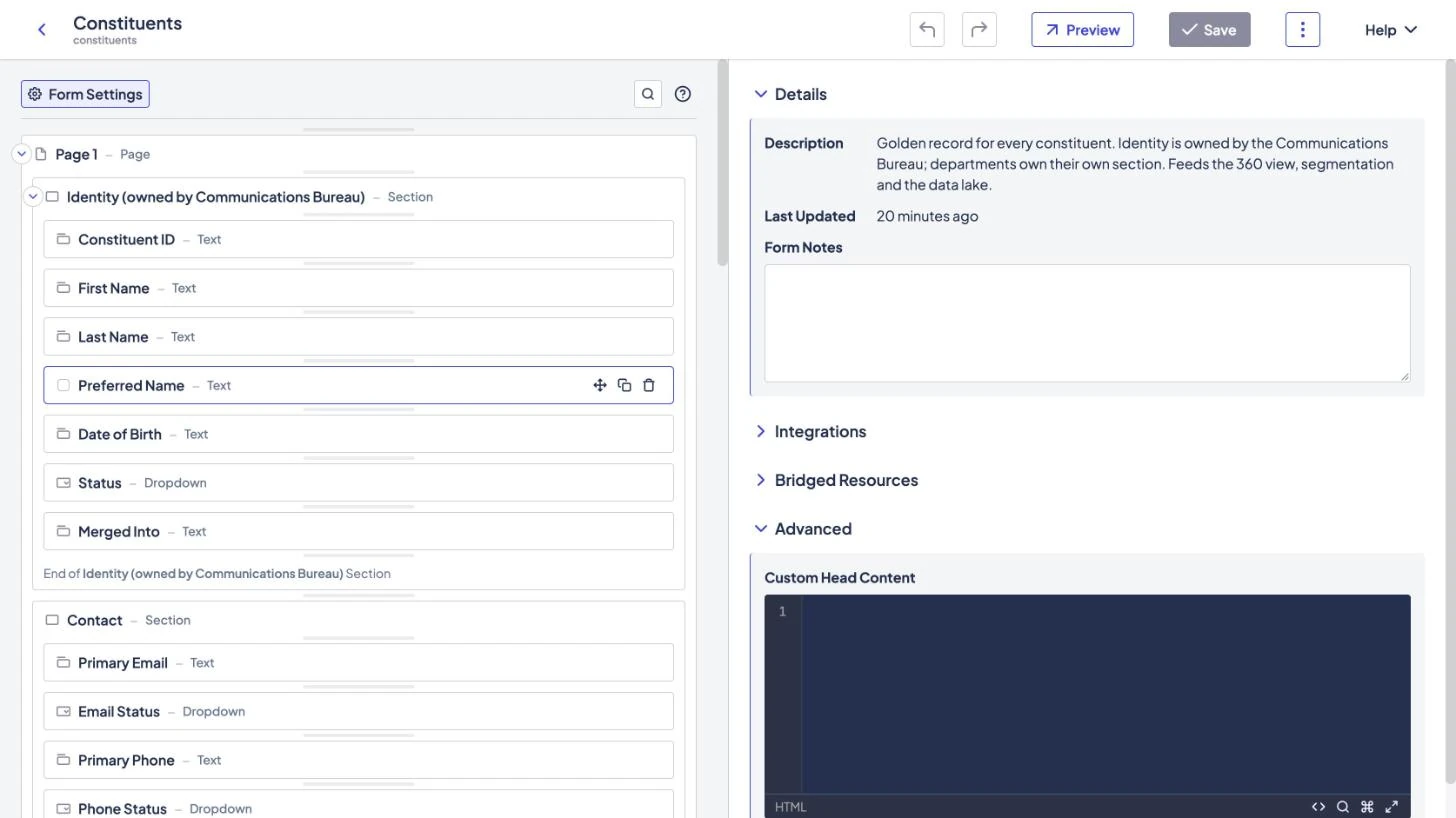
AI can generate an app in an afternoon. Then someone has to own it.
Each AI-generated app arrives with its own database and integration code, and nobody assigned to maintain it. A year later there are a dozen.
When the assistant builds inside Kinetic, its output uses connections you already approved and workflows your team can read.
The build, step by step
A vendor onboarding portal, from one paragraph to production
At each of the six steps, the assistant drafts and a person decides. Nothing reaches a vendor or your ERP until your team has checked it.
Before the first prompt
- An MCP-capable assistant, such as Claude, connected to Kinetic's MCP server.
- A development space, so nothing the assistant builds reaches real vendors.
- An account for the assistant whose permissions cover that space and nothing else.
Build a vendor onboarding portal. New suppliers register, upload a W-9 and a certificate of insurance, and are approved by procurement, then finance. Check the ERP for an existing supplier record first. When finance approves, create the supplier in the ERP.
-
Step 01 · Plan
Describe the application
The assistant
Reads what already exists in the space and proposes a plan: two forms, a portal page, a two-stage approval and one ERP connection. Asks whether overseas suppliers need a W-8 instead of a W-9.
Your team
Confirm scope and systems.
-
Step 02 · Experience layer
Generate the forms and portal
The assistant
Creates the registration form, a document upload with an overseas-only section, and the portal page vendors land on.
Your team
Fix the wording in the form builder and check who can see each page.
-
Step 03 · Integration layer
Connect the ERP
The assistant
Wires the tax ID field to the existing supplier lookup and maps fields to the create-supplier operation your team configured.
Your team
The integration owner confirms what the app reads and writes. The assistant can use only connections its account may use.
-
Step 04 · Workflow layer
Build the workflow
The assistant
Drafts the document check, the procurement and finance approvals, a five-day deadline that escalates to the procurement manager, and an AI step that summarizes each application for the approver.
Your team
Read each step in the workflow builder and name the approvers.
-
Step 05 · Review
Test with real cases
The assistant
Submits test vendors through MCP, then makes the fixes reviewers ask for in the same forms and workflow.
Your team
Follow each test vendor through the run history and check the supplier record in the ERP test environment.
-
Step 06 · Run
Promote and run
The assistant
Nothing, apart from the summary step you approved. The workflow runs the same steps for every vendor.
Your team
A person exports the approved version and imports it into production. The next portal reuses the forms, the ERP connection and the approval pattern.
This is a written walkthrough of how a build goes; we have not published a recording. To see the same steps applied to one of your processes, book a working session.
A standalone AI-generated app, compared with one AI built in Kinetic
Both produce a first version quickly. The difference shows up over the following year.
| Question | Standalone AI-generated app | Built by AI inside Kinetic |
|---|---|---|
| Where the data lives | In the app's own database, a copy to keep in sync | In your systems of record, read and written through connections |
| How work moves | Logic buried in generated code | A workflow your team can open and change |
| Who maintains it | Whoever wrote the prompt, until they change jobs | Your platform team, in the usual builders |
| The next application | Starts from zero | Starts from what is already built |
What the assistant does in a build, and what stays with your team
The assistant does
- Create forms, portal pages and workflows through the MCP server.
- Submit test records and start workflows, within its account's permissions.
The assistant does not
- Promote to production. A person exports and imports the approved version.
- Run the application. The published workflow does, the same way for every request.
Developers can read how to connect an assistant to Kinetic's MCP server and how the workflow layer runs what the assistant builds.
What you can build next
The second build starts from the first one's forms, connections and approval patterns, so the description gets shorter each time.
-
Client and vendor portals
Portals for clients, suppliers and residents, built the same way and backed by your CRM and ERP.
-
Cross-system work
Onboarding, purchasing and access requests, described in a paragraph and reviewed in the workflow builder.
-
Data to action
A signal in your warehouse that starts a decision, an approval and an update in the right system.
Frequently asked questions
Answered by Kinetic Data. Last updated .
-
Can AI really build an application in Kinetic?
Yes. Through Kinetic's generally available MCP server, an assistant creates an application's forms, portal pages and workflow inside Kinetic. Your team reviews each piece, and a person promotes it to production.
-
How is this different from an AI coding tool that generates an app?
A coding tool hands you standalone code that keeps its own data, needs its own hosting and depends on whoever prompted it. In Kinetic, the assistant builds with your existing connections and access rules.
-
Can the assistant do more than build?
Yes. The MCP server reaches any Kinetic API the signed-in user may use, so the assistant can also create records and start workflows, which is handy for test submissions. A started workflow follows its published steps.
-
Which assistants and models can we use?
Any assistant that supports MCP, running the model you choose: Anthropic Claude, models on Amazon Bedrock or Azure OpenAI, or open models you host yourself. Kinetic does not ship a model of its own.
Bring one process. Leave with a plan to build it.
Two hours with our team, at no cost. Bring the application you would build first. We map it against your systems, mark what the assistant would draft and what your team would review, and send you a written plan afterward.