Healthcare · Example application
Capital Assets
Facilities lifecycle, work orders, inspections & capital projects
About this example
Capital Assets: an example of what's possible on the Kinetic Platform
Capital Assets is one of 48+ working applications in Kinetic AI Labs — a portfolio of example apps built on the Kinetic Platform to show how quickly real, production-grade software can be assembled when the platform handles workflow execution, data, identity, and integrations. These applications are not commercial products. They are reference implementations: live demonstrations of healthcare use cases that customers and partners can study, fork, or use as starting points for their own builds.
What this application does
A facilities and capital asset management system with seven modules: dashboard, asset registry, facilities management, work order tracking, inspection scheduling, capital project management, and analytics.
Application modules
Key capabilities
What Capital Assets demonstrates about building on the Kinetic Platform.
Asset Registry
Track capital equipment with depreciation, location, and condition assessment.
Work Orders
Create and track maintenance work orders with priority and assignment.
Inspections
Schedule facility inspections with finding documentation and follow-up.
Capital Projects
Track capital improvement projects with budgets, timelines, and milestones.
Screenshots
See Capital Assets in action
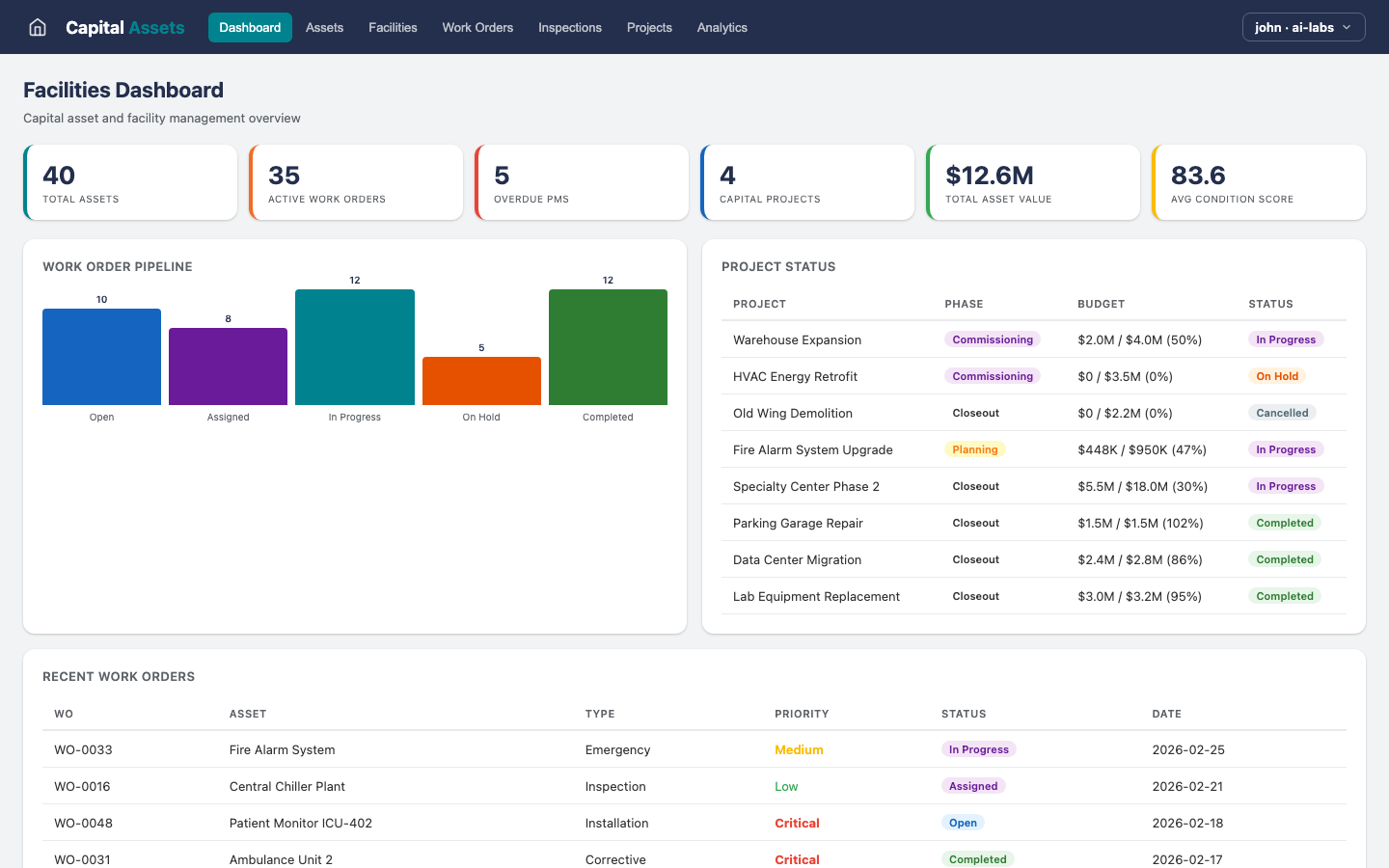
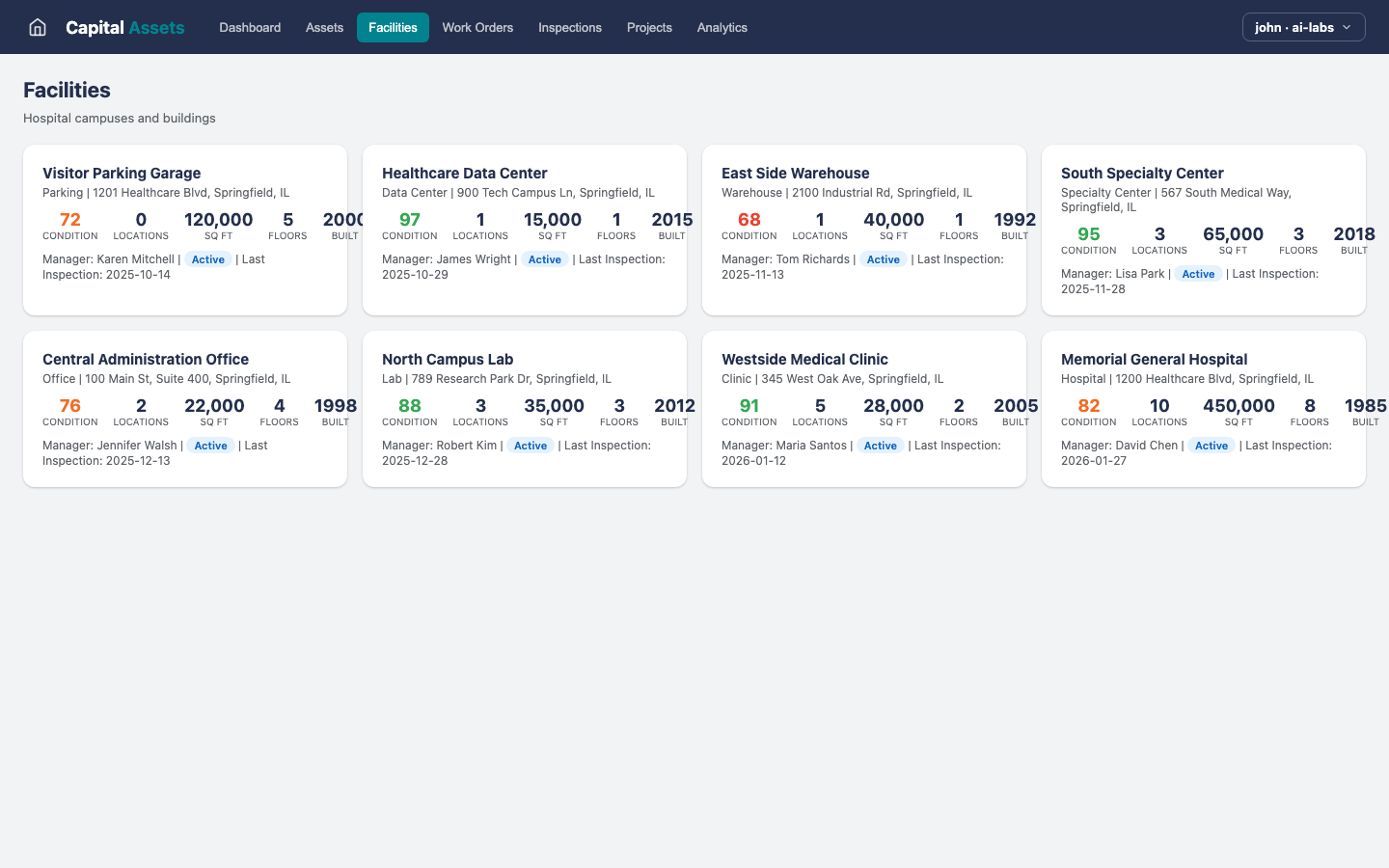
These screenshots are captured directly from the live AI Labs instance — every screen below renders against real workflows and data running on the Kinetic Platform.
Dashboard
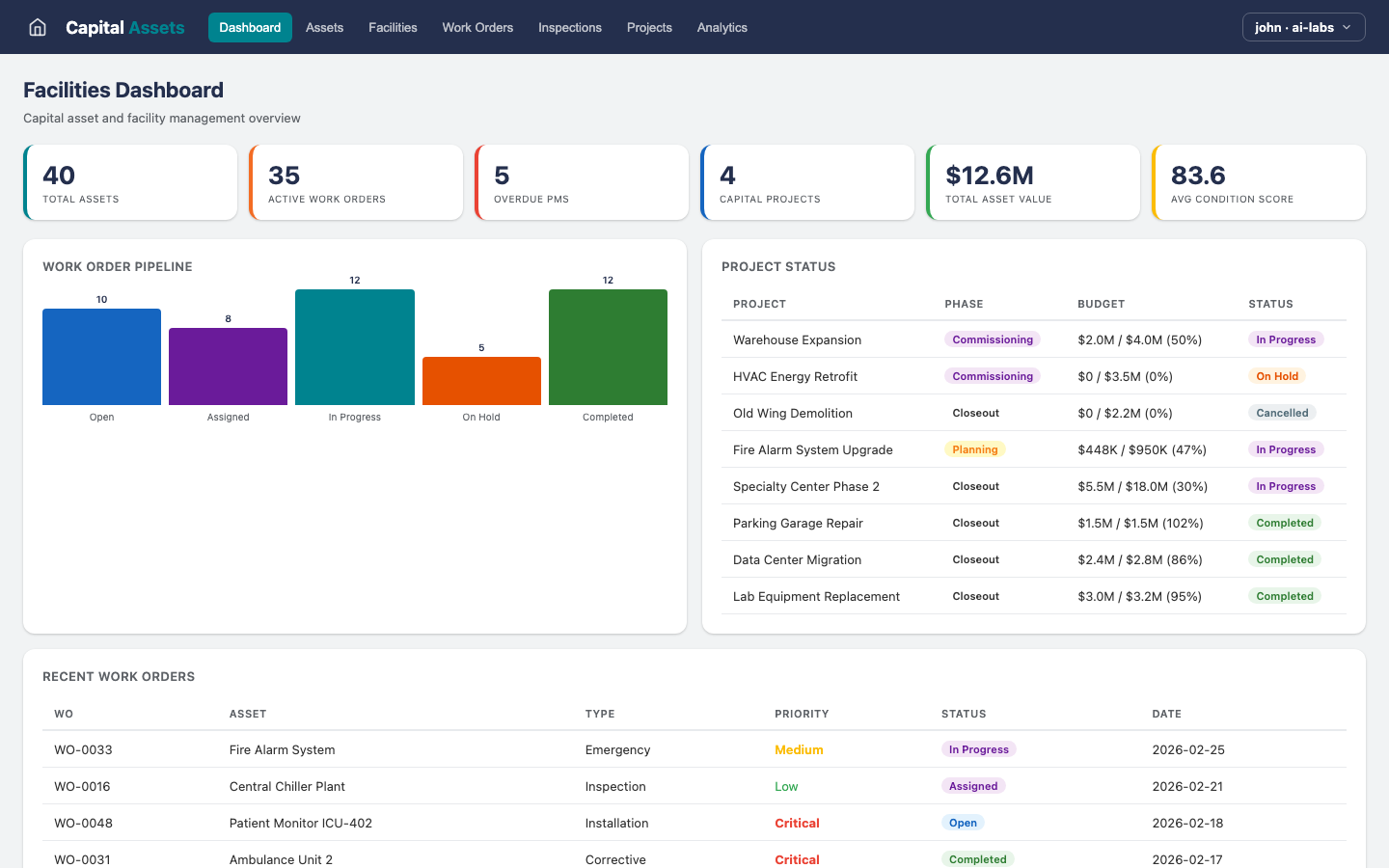
Dashboard
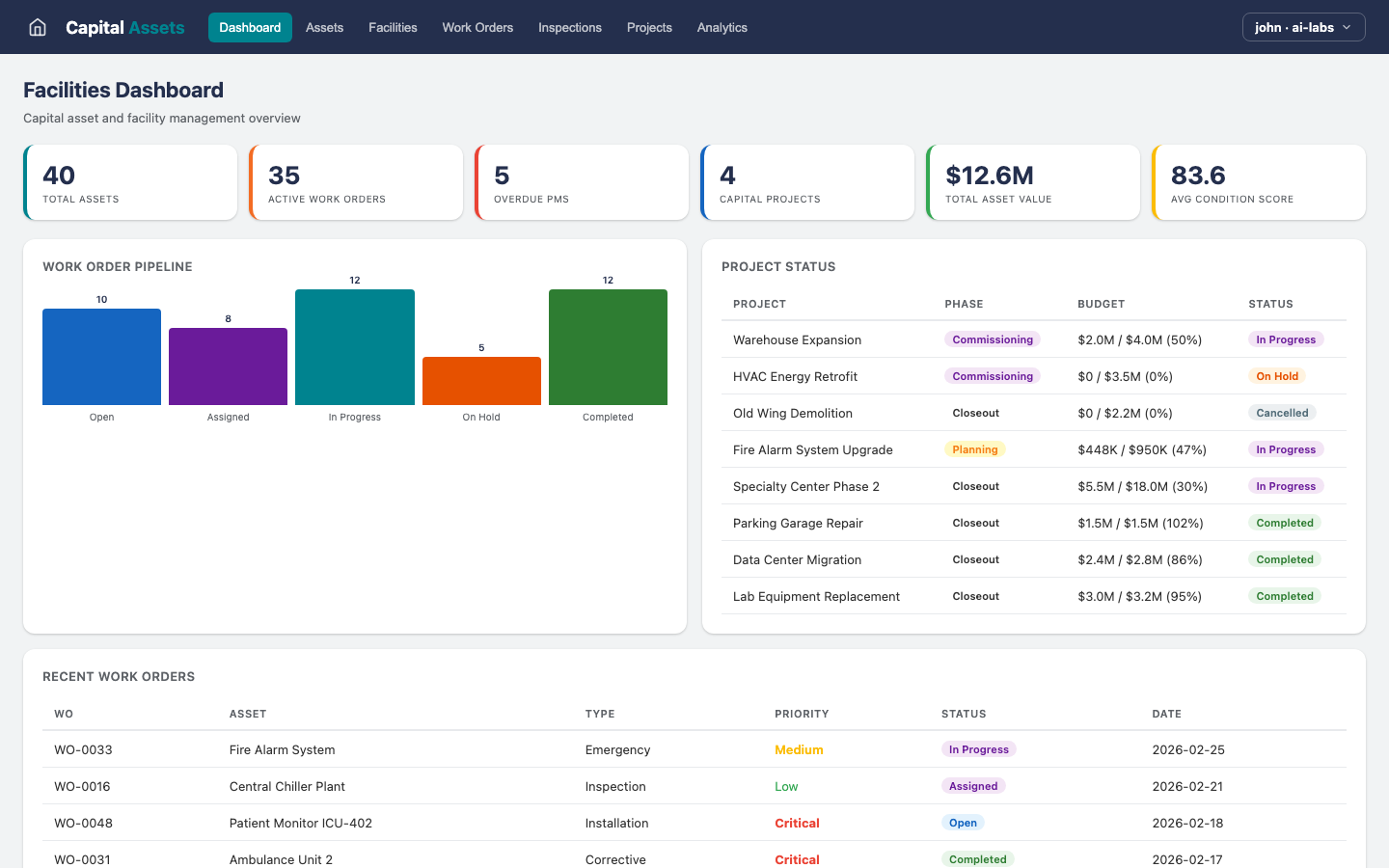
Assets
Facilities
Work Orders
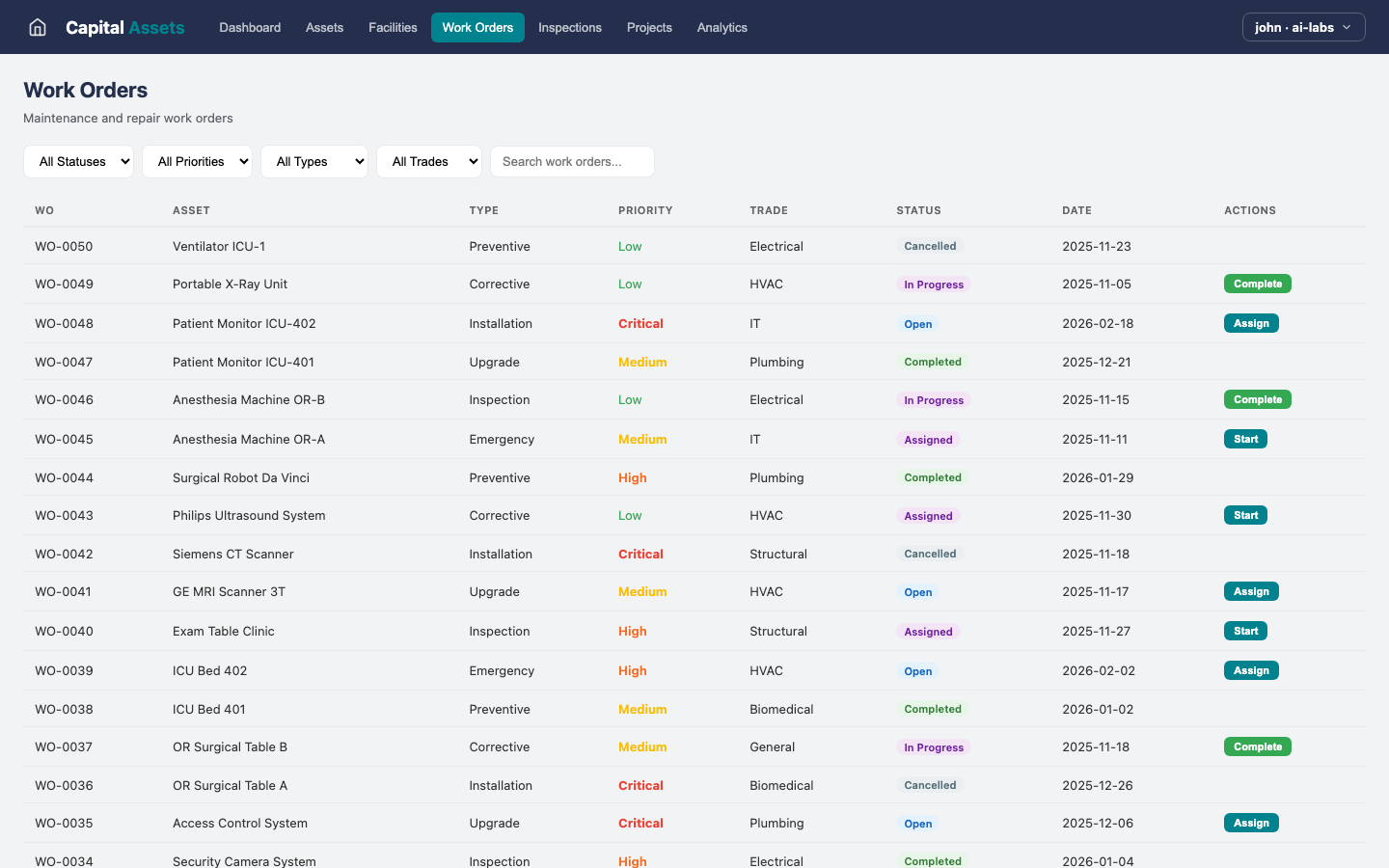
Inspections
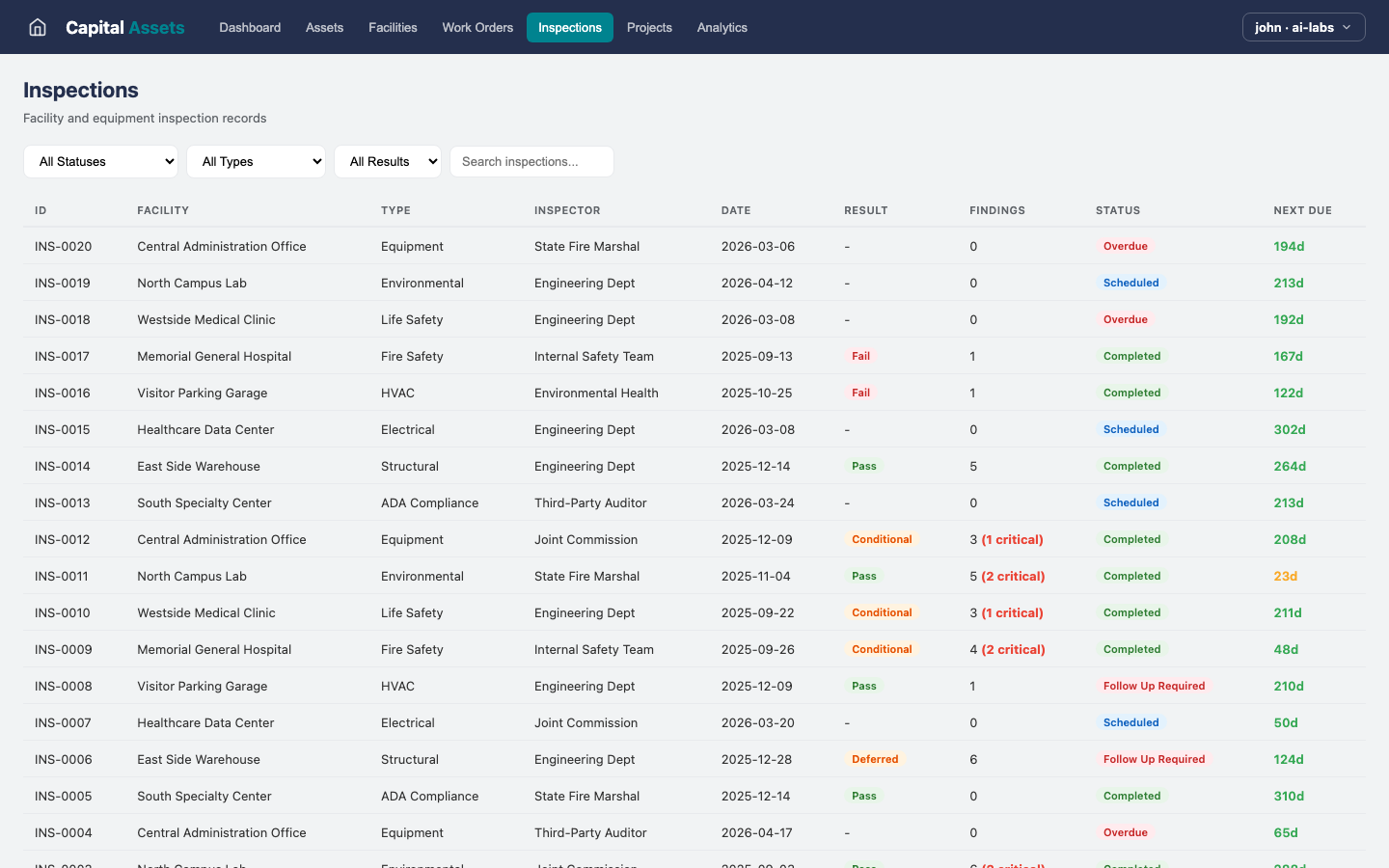
Projects
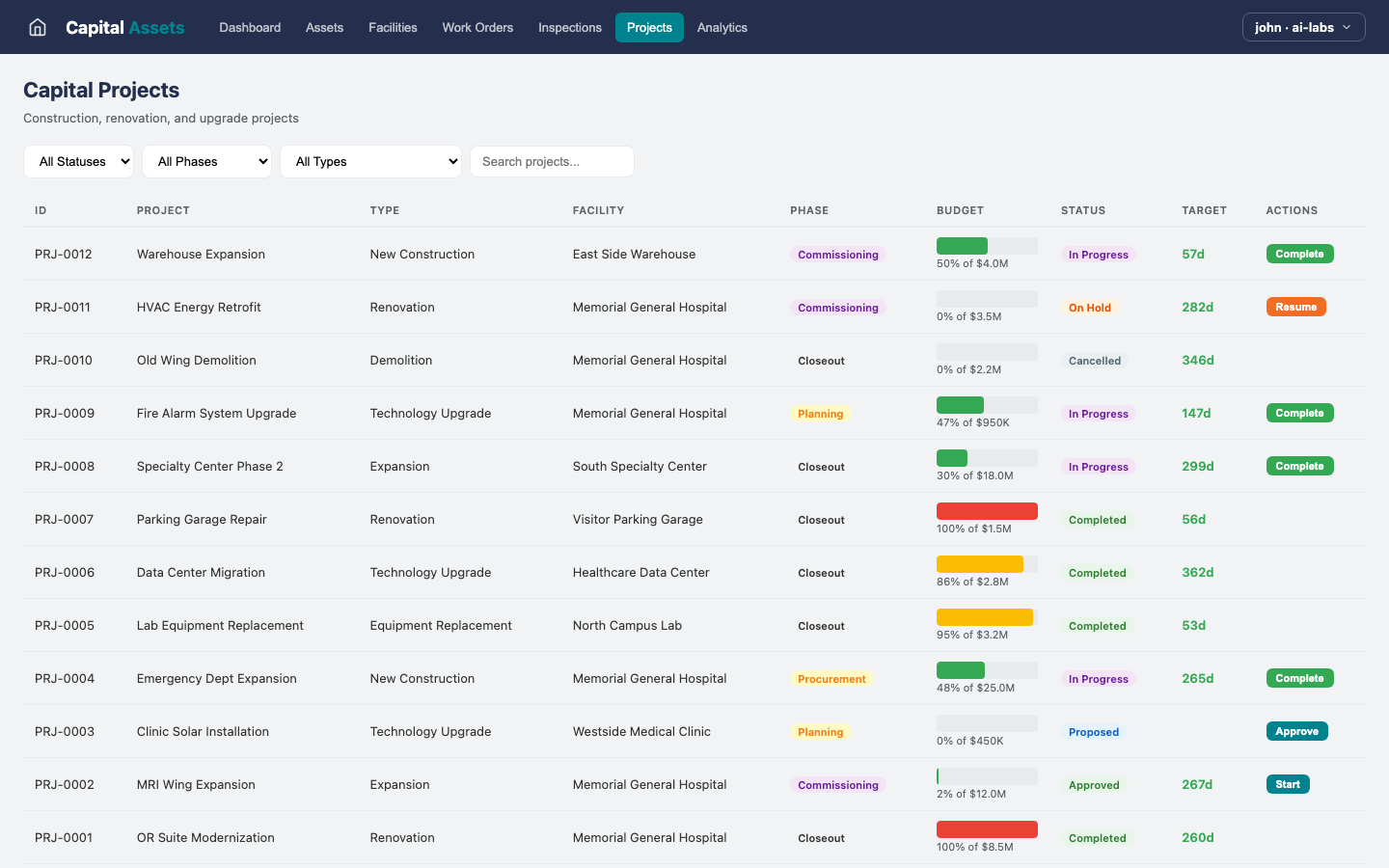
Analytics
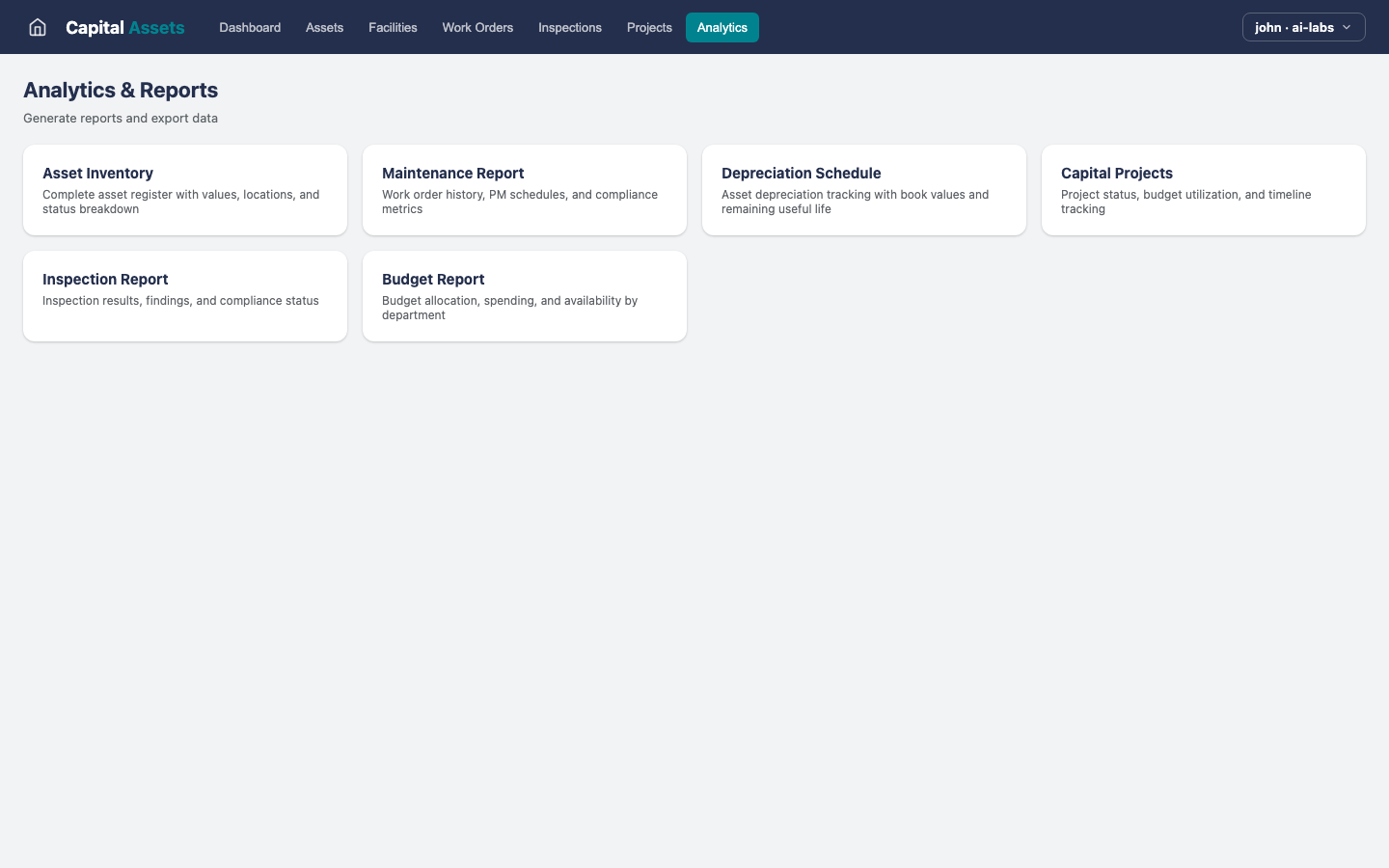
What this example demonstrates
Why Capital Assets matters as a reference implementation
Capital Assets shows how a healthcare application can be built on a workflow orchestration layer instead of a custom-coded stack. The screens you see above are not mockups — they are full Kinetic forms, tables, dashboards, and views, wired into deterministic workflows that run the underlying business logic.
Because every example in AI Labs runs on the same Kinetic Platform instance, they share one workflow engine, one identity model, one integration layer, and one audit trail. That means the patterns proven in Capital Assets — asset registry, work orders, and the rest of its capabilities — transfer directly into customer environments without re-platforming.
Built on Kinetic
Same platform, every application
Capital Assets runs on the same Kinetic Platform instance as every other AI Labs example. Same workflow engine. Same security model. Same integration layer. Capital Assets is a working illustration of how quickly a production-ready application can be built when the platform handles the hard parts — workflow execution, data management, role-based access, and audit trails.
Want to see Capital Assets live?
Schedule a demo and we'll walk through Capital Assets on the Kinetic Platform — or talk about adapting it (or building a new one) for your environment.